
Staff tools
Virtual meeting backgrounds
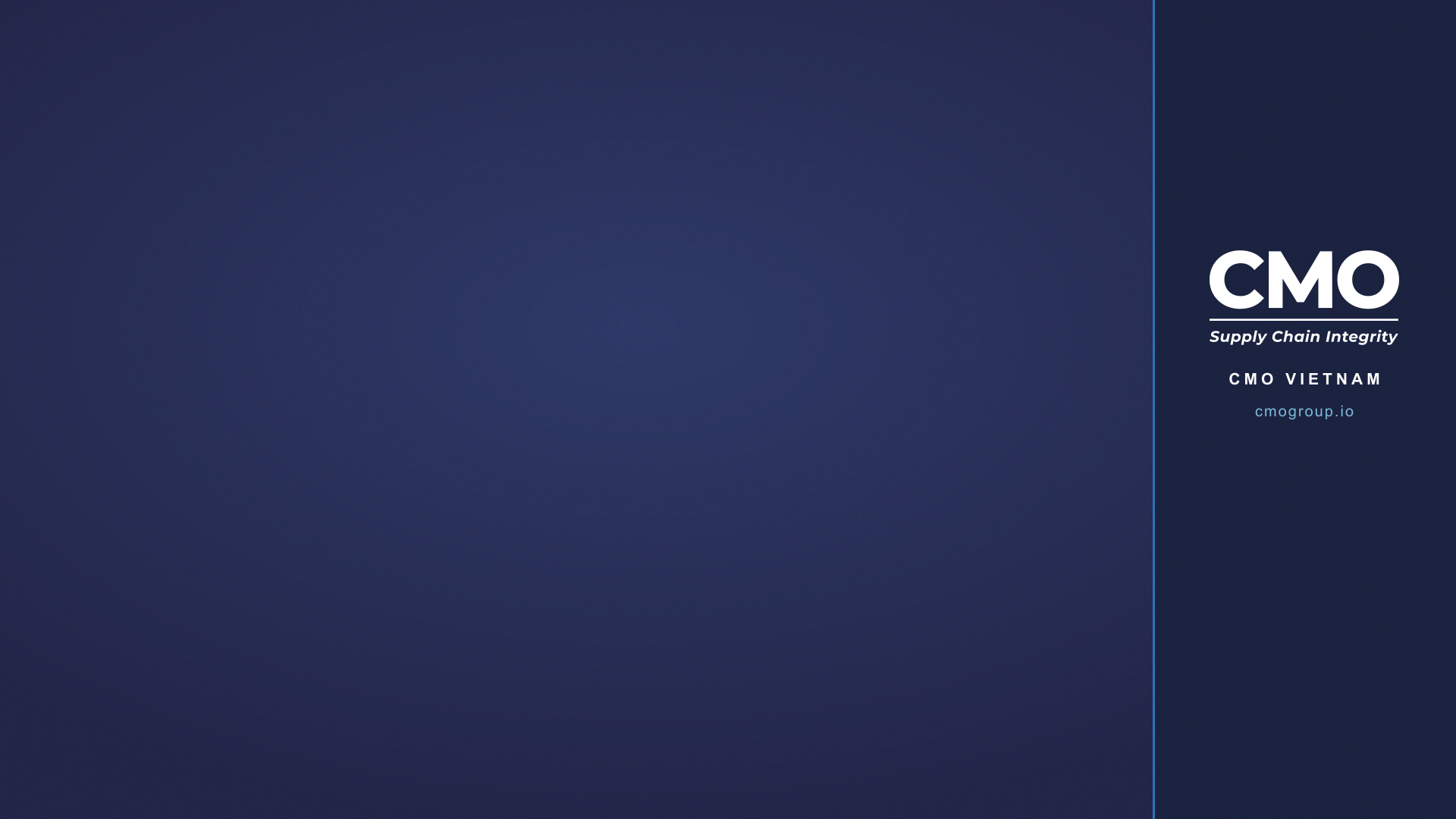
Choose an official CMO background, download it, then add it in Teams, Zoom or Google Meet. Branding sits in the right-hand bar so it stays visible once your camera is on.
1920 × 1080 · JPG
Choose a style




Phones and small tiles
Meeting apps crop the sides of your video in narrow tiles, which cuts the right-hand bar off. These versions keep the logo centred at the top so it survives the crop.












Regional offices
Same layout as Official Navy, with your office name under the logo.








Add it to your meeting app
Microsoft Teams
- Join or start a meeting, then open More → Video effects and settings.
- Select Add new and upload the image you downloaded.
- Choose the image, then select Apply.
Zoom
- Open Settings → Backgrounds & effects.
- Select + and upload the image you downloaded.
- Choose the image to apply it.
Google Meet
- In the meeting, select Apply visual effects.
- Select Add a background image and upload the file.
- Choose the image to apply it.
Text looks reversed to you?
Teams mirrors your own video preview, so background text reads backwards on your screen. Everyone else in the meeting sees it the right way round.
To match their view, turn off Mirror my video under More → Video effects and settings → Settings, or in Settings → Devices.
Do not flip the image file — that would reverse the logo for everyone else.
Keep it looking right
- Sit centre-frame and far enough back that your shoulders are visible.
- Use Official Navy for anything client-facing; Quiet is fine internally.
- Avoid personal photos or other wallpapers in external meetings.